Among Rematch's features is an ability to be shaped and configured in many different ways. As you start using the addon you'll probably start with the journal view. But hopefully as you get accustomed to it, you'll explore its other views also.
Click for a larger view
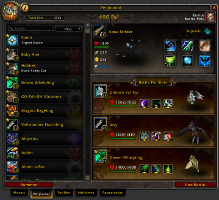
Default Journal
The default journal without any addons has these basic parts:
Searchable list of pets
Three battle pet slots
Information about the selected pet
Total count of pets owned
Revive Battle Pet button to heal
Summon button to summon or dismiss a pet
Find Battle button to queue for a PVP battle
Click for a larger view
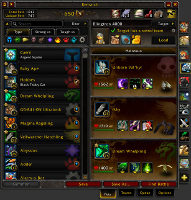
Rematch Journal
When Rematch is enabled it adds:
Extended column that contain teams, the leveling queue and options
Target panel in place of the information panel
Pullout "Type Bar" beneath the pet search box to filter pets by type
Save and Save As buttons to save the loaded pets into a team
Total count includes unique total and becomes a button to view a summary of your collection
More action buttons beside Revive Battle Pet, including bandages and treats
A checkbox if you ever need to turn off Rematch's journal integration for any reason.
Click for a larger view
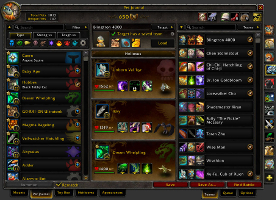
Standalone View
Rematch can also be summoned as a standalone window to position anywhere on the screen.
The standalone window can be summoned a few ways:
With the /rematch slash or macro command
From a key binding in the default keybinding interface
With the minimap button if it's enabled in options
If you have an LDB-supporting addon like TitanBar, with a button added to the bar.
Unlike the journal view, the standalone view has two panels side by side. This can be collapsed even more to one panel with the Single Panel button in the top-left corner by the lock button.
Click for a larger view
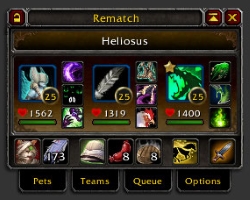
Minimized View
The minimized view is a compact form of the standalone window that's useful for keeping on screen while you're out battling.
You can monitor the status of your pets, move them around, change their abilities, or easily heal without needing to haul the whole journal onto the screen.