

Standalone View
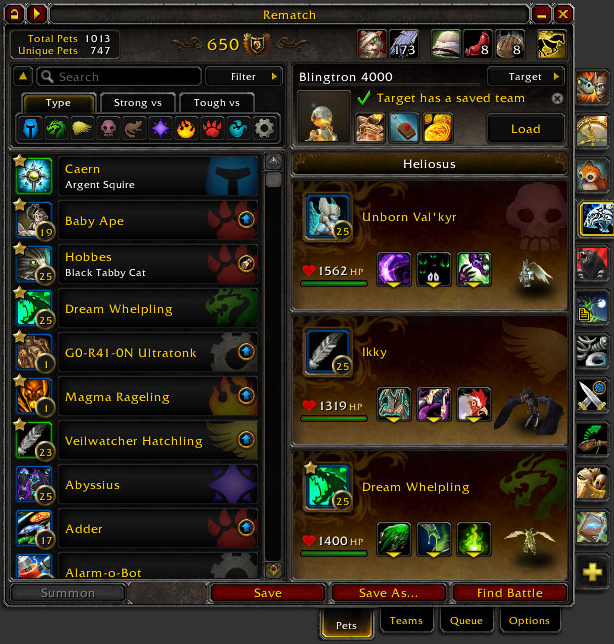
The standalone window has everything from the journal view in a more compact form. The window can be dragged around the screen anywhere you want.
The standalone view adds a few buttons to the titlebar of the window too:


Lock and Single Panel Buttons
While the lock button is enabled the window cannot be moved around the screen unless [Shift] is held.
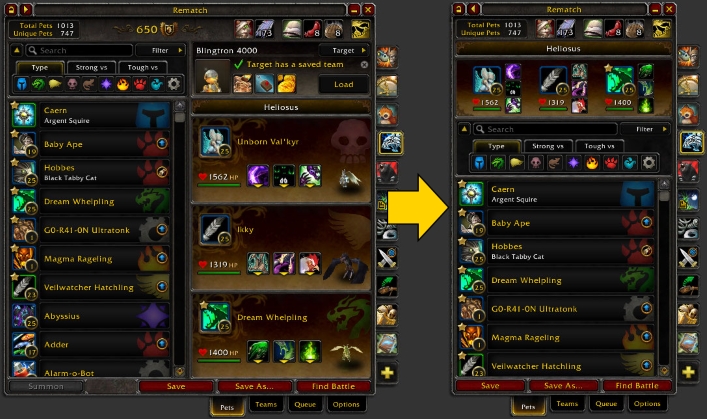
The Single Panel button will collapse the window from two panels to one:
Minimize Button
If you'd like to collapse the window even more, there's a minimize button in the topright of the window.